Reconciliation
Reconciliation checks whether bank statement rows match GrantKeeper entries.
GrantKeeper's current reconciliation is deterministic and matching-based. It is not just asking AI to guess. It compares amount, date, vendor similarity, and references where available.
Table Reconciliation
Use table reconciliation when a bank statement should match one Table.
- Open the Table.
- Open Review tools and find Bank Statement Reconciliation.
- Select a CSV bank statement file.
- Submit.
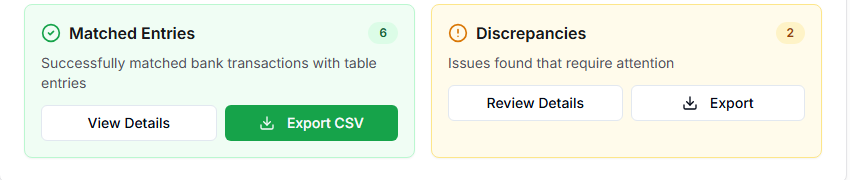
- Review matched entries.
- Review discrepancies.
- Download the reconciliation CSV if needed.
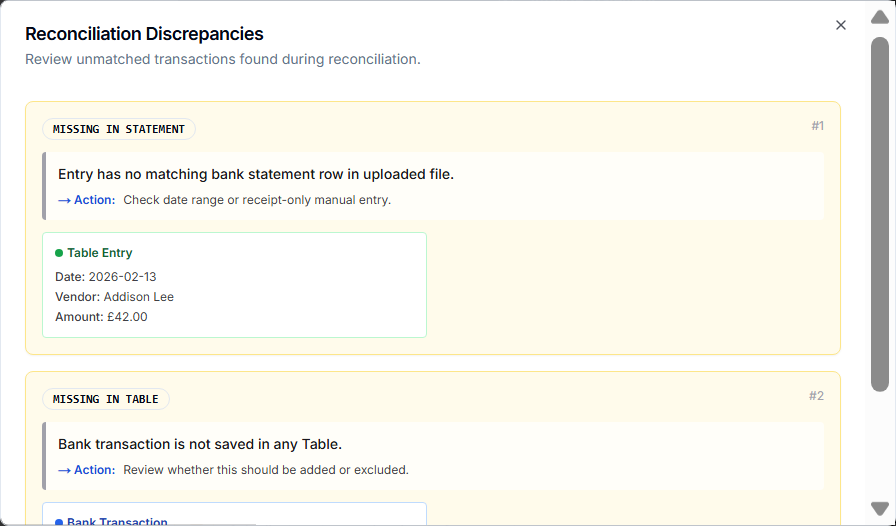
The reconciliation output separates:
- matched/aligned entries,
- discrepancies missing in the Table,
- discrepancies missing in the bank statement.
Master Reconciliation
Use Master reconciliation when a bank statement should match entries across multiple Tables.
- Open Master Table.
- Open Review tools and find Master Bank Statement Reconciliation.
- Choose the date range or month.
- Upload a CSV bank statement file.
- Submit.
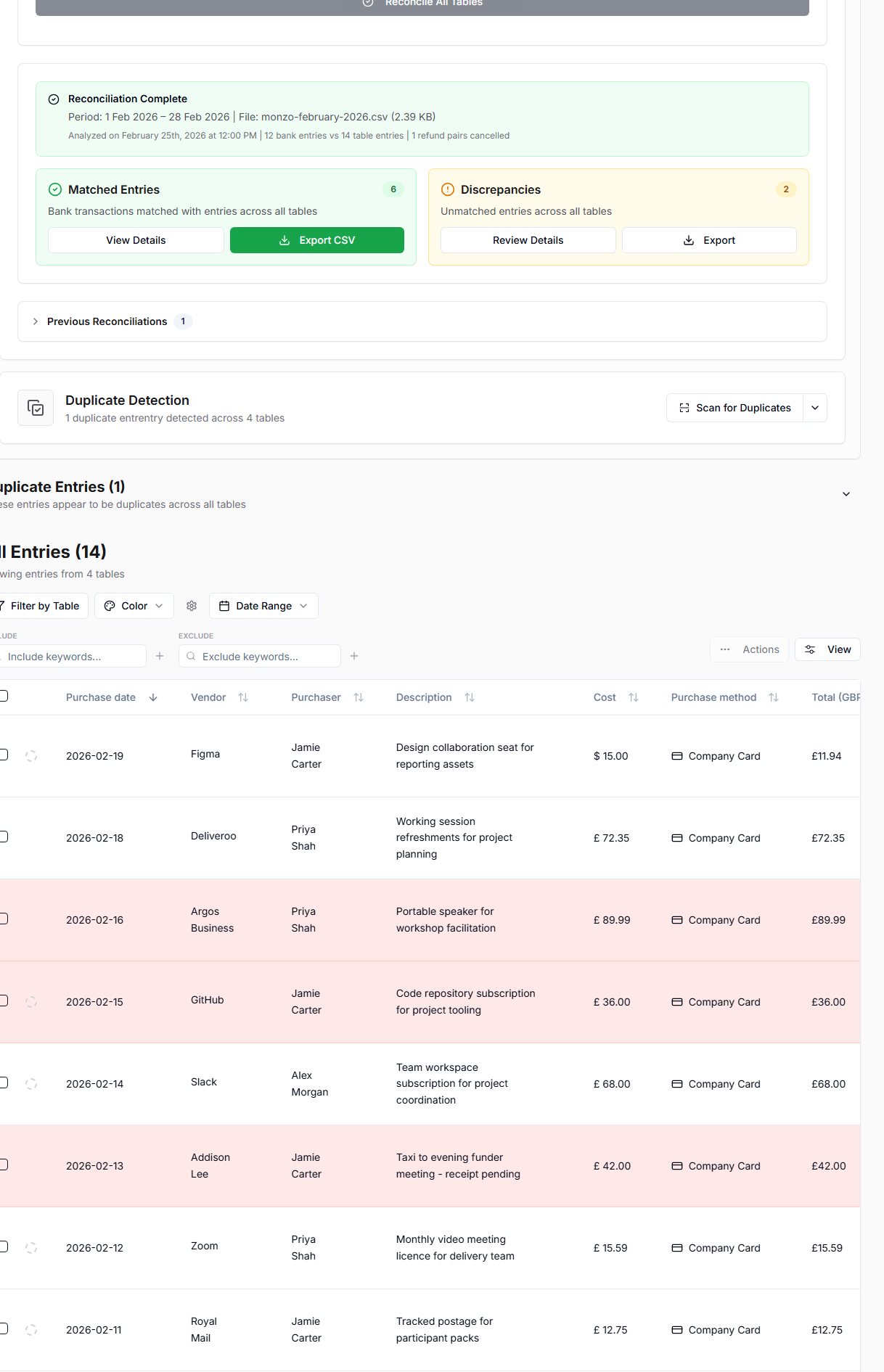
- Review matches and discrepancies.
- Use history to view previous reconciliations.
- Download reconciliation output if needed.
How to Read Discrepancies
Common discrepancy types:
- Bank transaction has no matching Table entry.
- Table entry has no matching bank statement row.
- Refund or money-in behavior needs review.
- Vendor names differ enough to reduce confidence.
- Date or amount differs.
Use discrepancies as a checklist. They point to things to review; they do not automatically prove an error.