Topic 1 of 18 · Tables
Create a Table
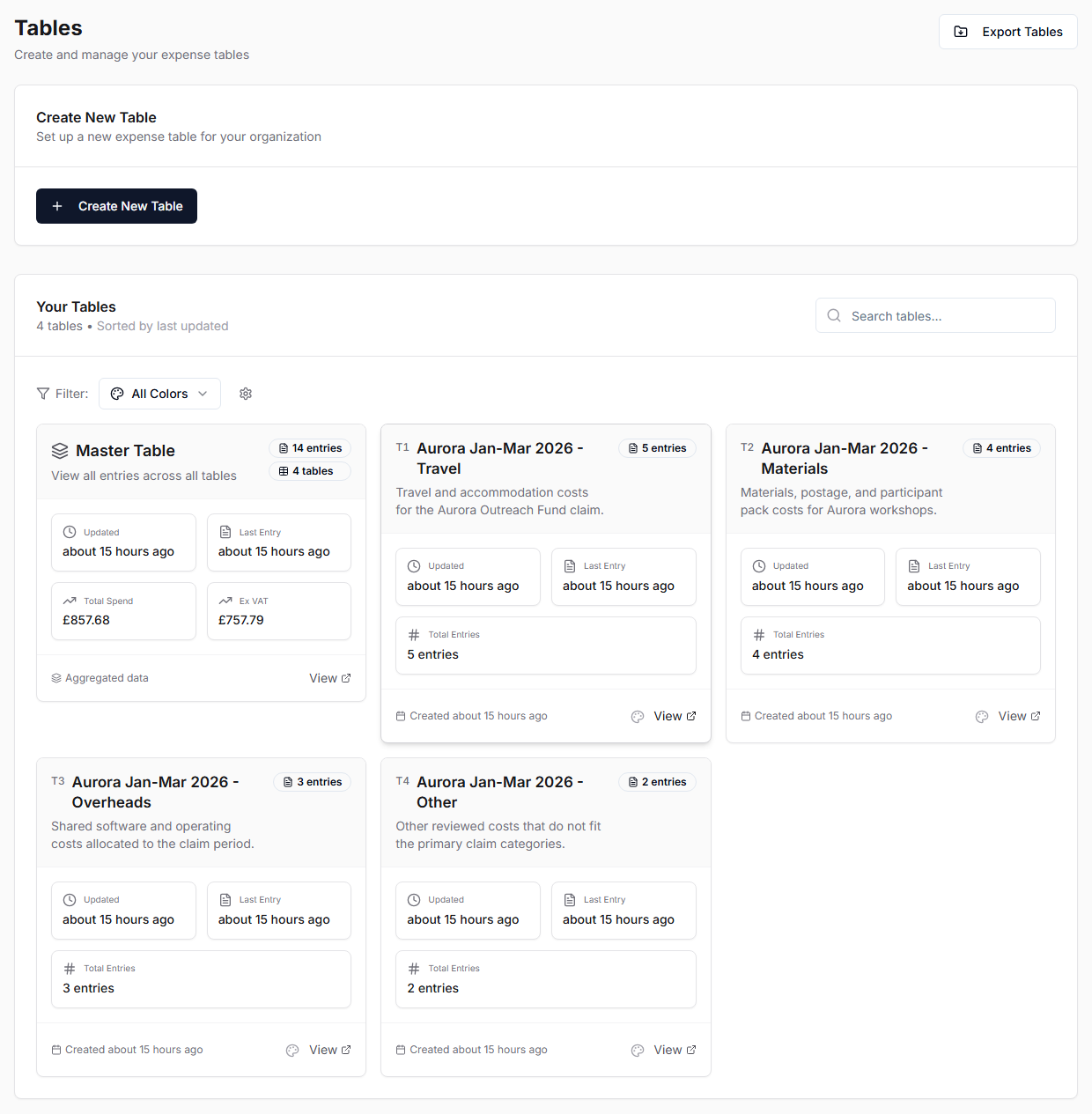
In the recommended workflow, create the target Tables manually before importing bank statements. The Save to Tables dialog can still create Tables when needed, but pre-created category Tables make review and re-upload clearer.
- Open Tables.
- Select Create New Table.
- Enter a name.
- Add optional details such as description, team members, purchase methods, start date, and custom ID template where available.
- Save.
In the recommended workflow, create the target Tables manually before importing bank statements. The Save to Tables dialog can still create Tables when needed, but pre-created category Tables make review and re-upload clearer.